

Description
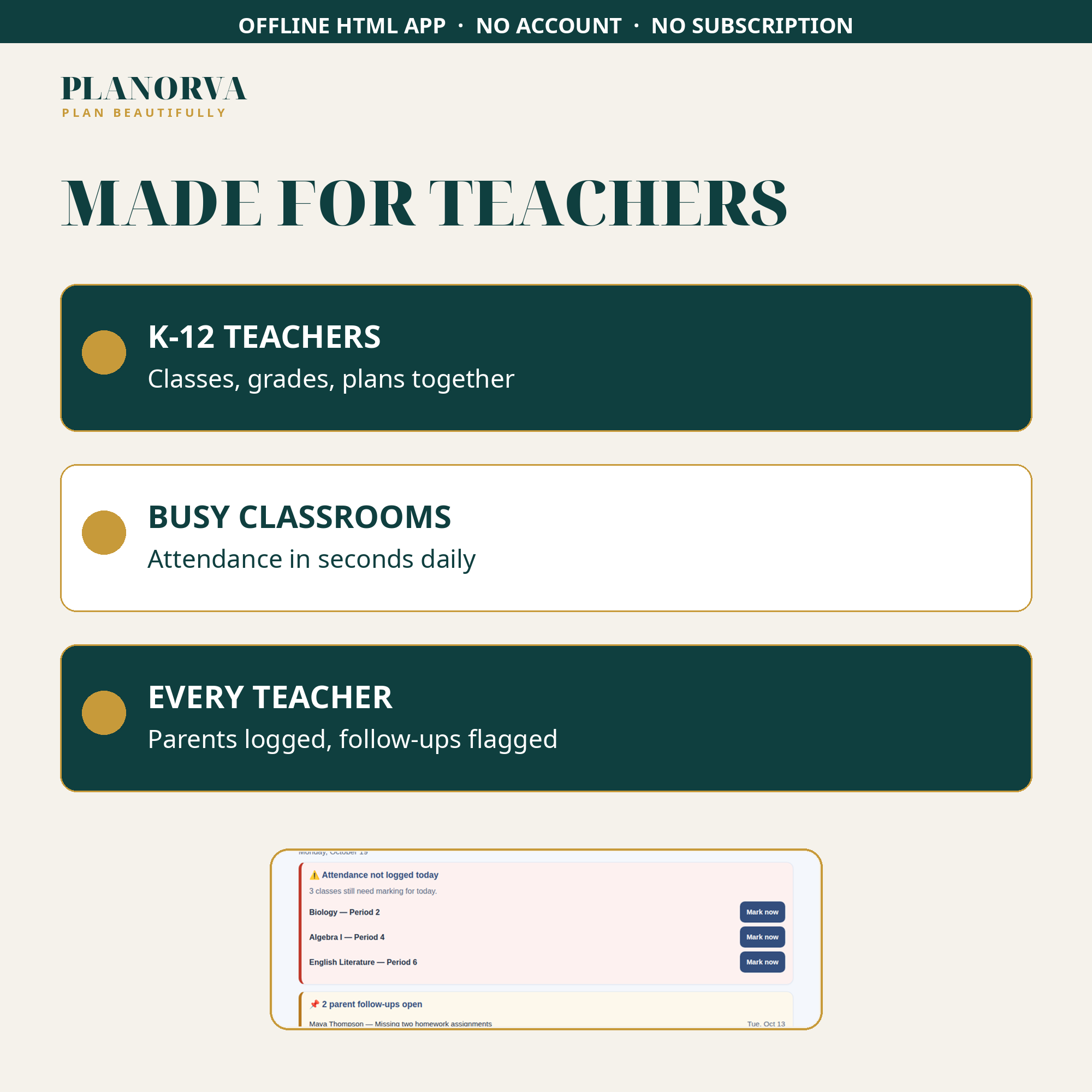
Teacher Organizer Pro keeps the working parts of a teacher’s week — classes, grades, lesson plans, attendance and parent messages — in one offline file you can open anywhere. It is built for K-12 classroom teachers who would rather be teaching than maintaining five different systems for five different jobs.
What you get
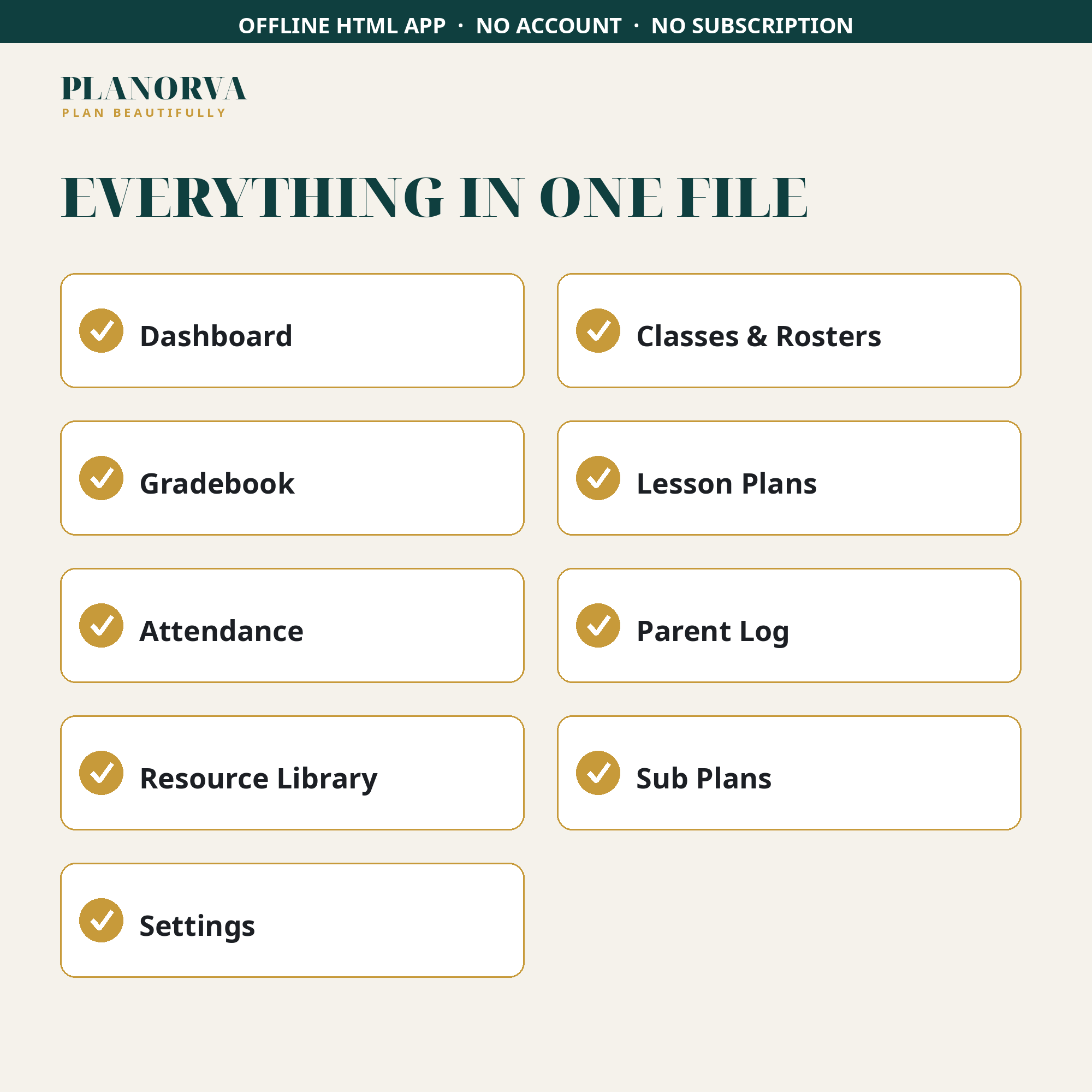
- Dashboard — today’s classes, this week’s lesson status, alerts for unlogged attendance, and class averages, all on one screen.
- Classes and rosters — as many class sections as you need, each with its period, room and term, and a full student roster you can add to, edit and tidy.
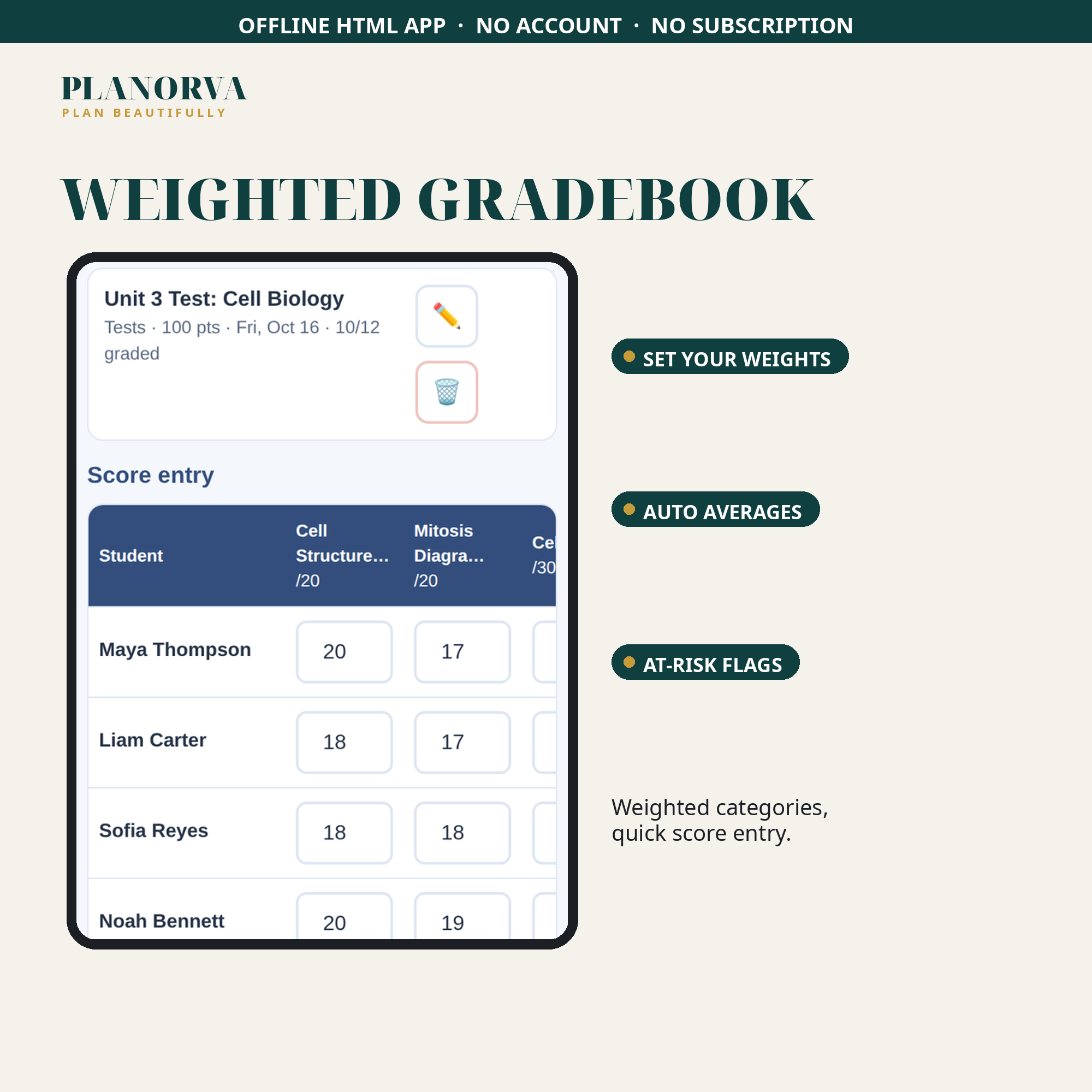
- Gradebook — weighted categories you set yourself (homework, quizzes, tests, in whatever proportions you use), quick score entry, automatic weighted averages, and color-coded flags that pick out at-risk students early.
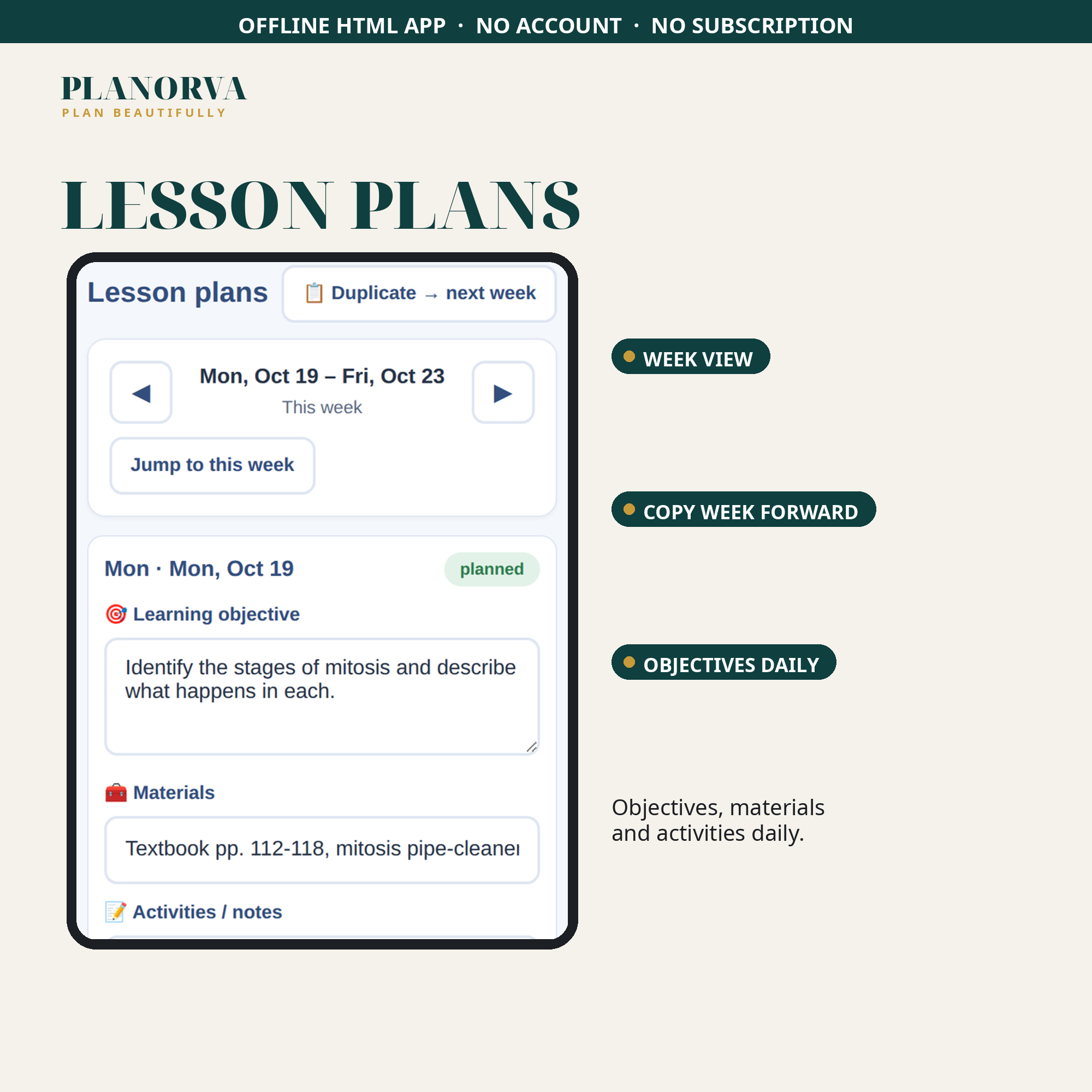
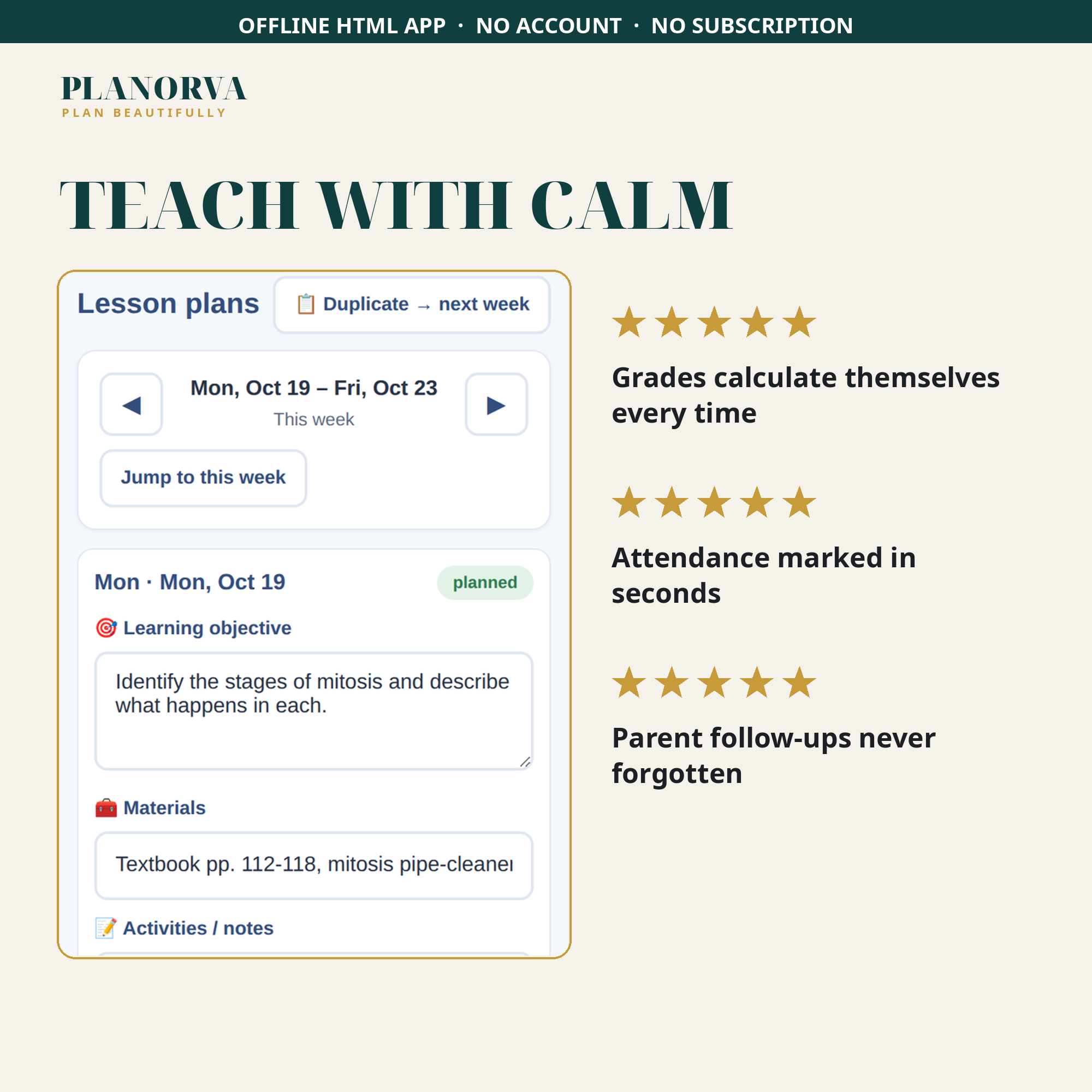
- Lesson plans — a week-view planner with the objective, materials and activities for each day, and the option to copy a week forward when a unit runs longer than planned.
- Attendance — fast daily marking (present, absent, tardy) with one-tap bulk marking, plus a monthly attendance summary for each student.
- Parent communication log — date, student, contact method, topic, outcome and follow-up flags that stay on your dashboard until they are resolved.
- Resource library — links, videos, printables and activity ideas sorted by unit, with a marker for what you have already used in class.
- Sub-plan page — a clean, print-ready page for a substitute teacher: daily schedule, class roster, emergency notes and your notes for the sub.
- Settings — one-click JSON backup export and import, and a start-fresh reset for the new school year.
A note on fit: if your district requires official grading or attendance software, keep using it. This organizer is the personal system that sits alongside it, keeping the planning, logging and resources in one calm place. You can look it over in the live demo.
How to open: Download the ZIP after checkout and unzip it. On a computer, double-click the HTML file inside and it opens in your web browser; on a phone or tablet, unzip with the Files app and tap the file, then add it to your home screen for app-style access. Your information saves automatically on your own device, with no account, no login and no internet connection required.


Reviews
There are no reviews yet